moomoo
Download moomoo Official Version
Select your device version below for secure moomoo official version download. Experience high-performance charting, lightning-fast execution, and deep multi-market insights.
iOS App
For iPhone and iPad devices
Android App
For Android smartphones & tablets
Desktop Client
For Windows & macOS workstations

Quick Installation and Setup Guidance
Complete your moomoo official version download in three simple steps to start analyzing markets and managing your portfolio.
Select Version
Choose the appropriate installation package above based on your operating system and device specifications.
Install and Launch
Follow the standard system prompts to complete installation and open the moomoo application.
Start Trading
Log in with your account credentials to access real-time global market quotes and execute orders.
Professional Financial Infrastructure at Your Fingertips
The moomoo official client is engineered for both novice investors and professional traders, offering uncompromising speed, advanced analytics, and regulated security.
- Real-time level 2 market data and deep order books
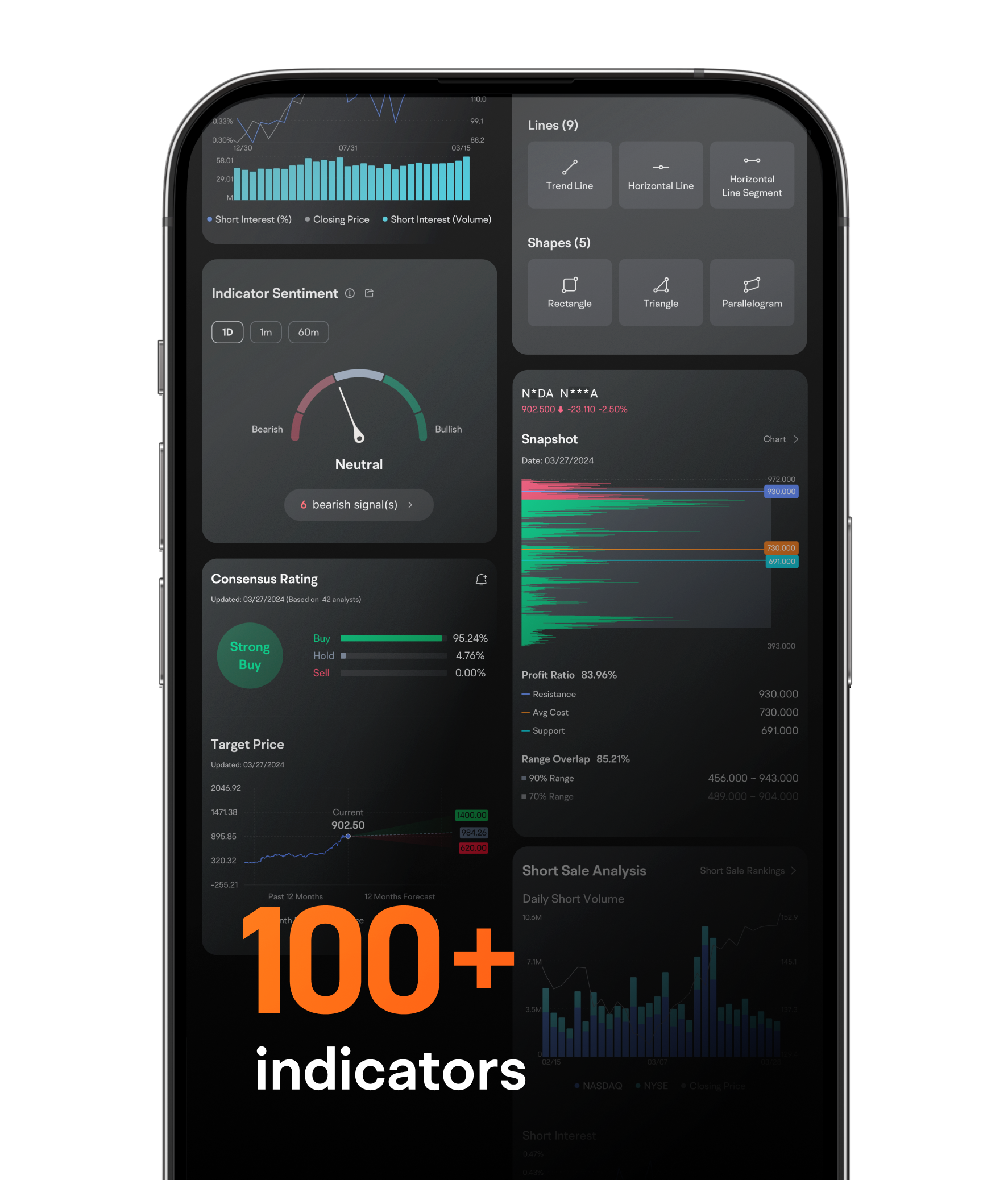
- Advanced technical indicators and customized charting tools
- Multi-platform synchronization across desktop and mobile devices